Basic Microsoft Excel Training in the Philippines
Microsoft Excel is an essential workplace tool for organizing information, performing calculations, preparing reports, monitoring activities, and improving productivity. However, employees who learn Excel mainly through trial and error may struggle with inconsistent data entry, incorrect formulas, disorganized worksheets, inefficient processes, and poorly formatted reports.
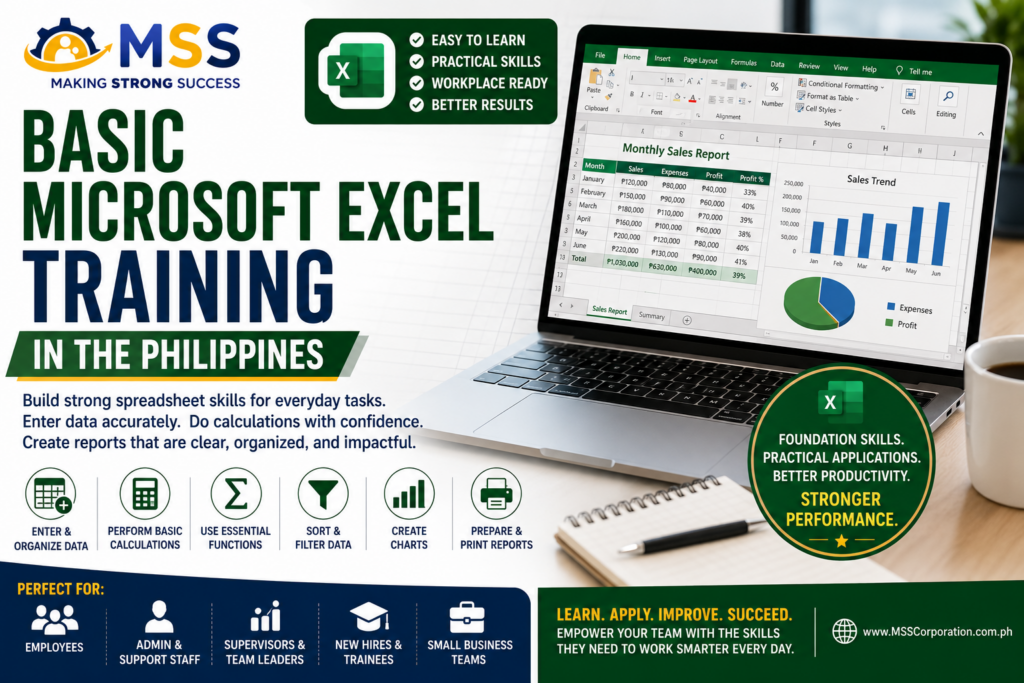
Our Basic Microsoft Excel Training in the Philippines provides beginners and employees without formal Excel training with a clear, structured, and hands-on foundation in spreadsheet use. Participants learn how to navigate Excel, manage workbooks and worksheets, enter and format data, create basic formulas, use essential functions, organize data through tables, sort and filter information, apply conditional formatting, create simple charts, and prepare worksheets for printing and sharing.
This customizable corporate program is ideal for organizations searching for Basic MS Excel Training in the Philippines, Basic Excel Training in the Philippines, Microsoft Excel for Beginners Training in the Philippines, or Microsoft Excel Essentials Training in the Philippines. It is suitable for administrative personnel, HR teams, sales support employees, finance and accounting support staff, operations teams, warehouse and inventory personnel, customer service employees, supervisors, management trainees, and other employees who use spreadsheets in their daily work.
The program introduces the practical E.X.C.E.L. Basic Spreadsheet Workflow, which guides participants in establishing the worksheet’s purpose and structure, entering data accurately, creating calculations, improving readability, and reviewing files before saving, sharing, or printing them.
Browse the embedded PDF training program outline below to review the learning objectives, detailed one-day agenda, Excel features and functions covered, hands-on activities, expected participant outputs, technical requirements, delivery options, frequently asked questions, and customization opportunities available through Making Strong Success Corporation.
To check out our other relevant training programs, click the link below:
Digital Skills Training Programs
To know more about Making Strong Success (MSS) Corporation, visit our social media pages at: