Intermediate Microsoft Excel Training in the Philippines
Employees who already understand basic Microsoft Excel often need stronger skills to manage larger datasets, create more complex formulas, retrieve information efficiently, analyze business performance, and prepare professional reports. Without structured intermediate-level training, spreadsheet users may continue relying on repetitive manual work, inconsistent data, error-prone formulas, and time-consuming reporting processes.
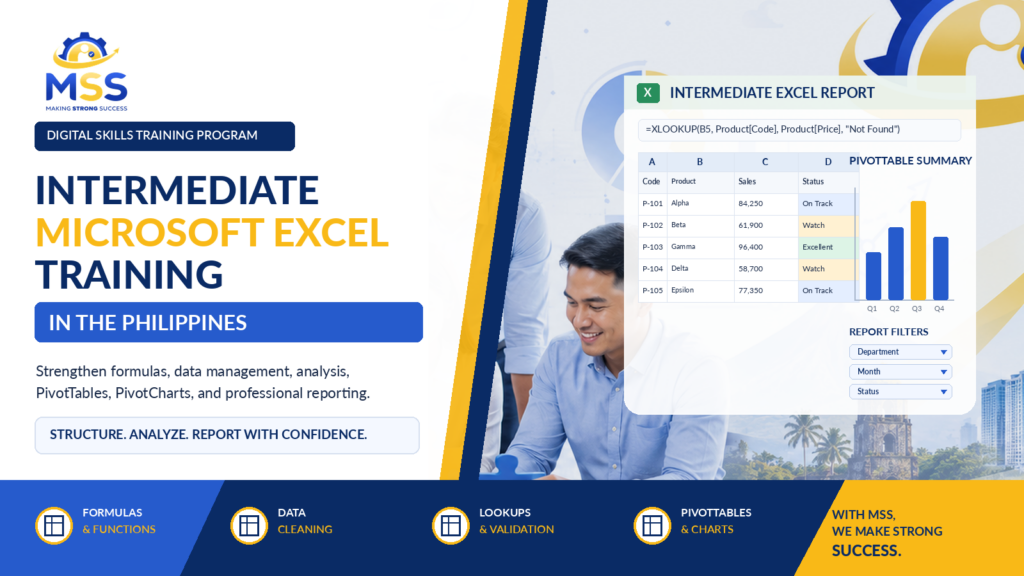
Our Intermediate Microsoft Excel Training in the Philippines helps participants progress beyond basic spreadsheet use by developing practical skills in data organization, logical and conditional formulas, lookup functions, data cleaning, validation, PivotTables, PivotCharts, conditional formatting, formula auditing, and report preparation.
This customizable corporate program is ideal for organizations searching for Intermediate MS Excel Training in the Philippines, Intermediate Excel Training in the Philippines, Intermediate-Level Microsoft Excel Training in the Philippines, or Intermediate-Level MS Excel Training in the Philippines. It is suitable for administrative personnel, HR teams, finance and accounting staff, sales employees, procurement personnel, operations teams, inventory and warehouse employees, analysts, supervisors, and other professionals who regularly prepare and analyze spreadsheet reports.
The program introduces the practical S.M.A.R.T. Intermediate Excel Workflow, which guides participants in structuring data correctly, mastering formulas and references, analyzing and retrieving information, reporting results clearly, and testing, protecting, and standardizing spreadsheet files.
Browse the embedded PDF training program outline below to review the learning objectives, detailed one-day agenda, Excel functions and features covered, hands-on spreadsheet activities, expected participant outputs, technical requirements, delivery options, frequently asked questions, and customization opportunities available through Making Strong Success Corporation.
To check out our other relevant training programs, please click the link below:
Digital Skills Training Programs
To know more about Making Strong Success (MSS) Corporation, visit our social media pages below: